Hybrid Zoom · Teams · Google Meet Training Room 混合線上線下會議室 · 尖沙咀
Run an in-person workshop and bring remote participants in on the wall TV — without the AV anxiety. 200 Mbps fibre, full-room mic pickup, free pre-event test, 80+ remote-attendee record set this March.
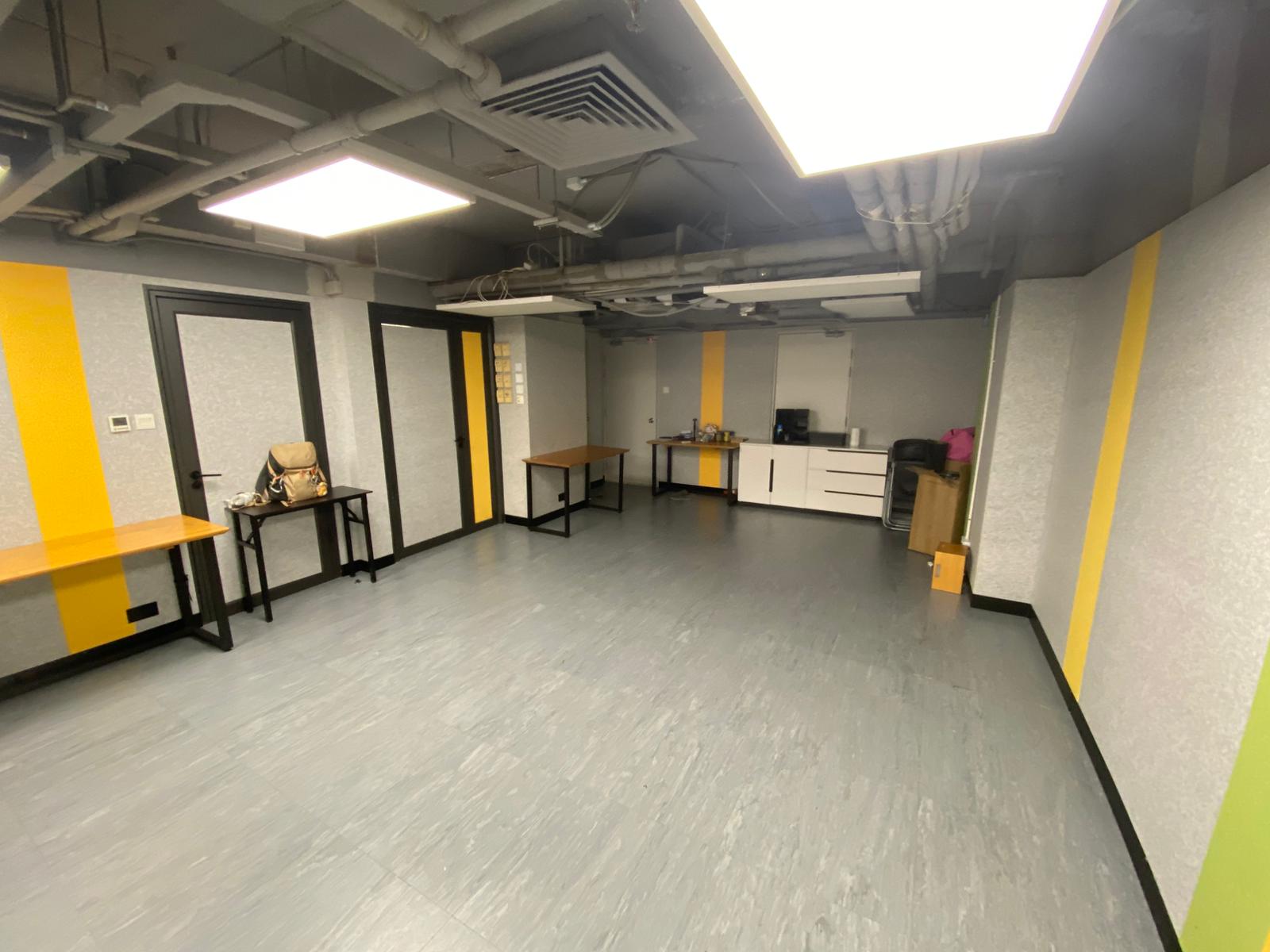
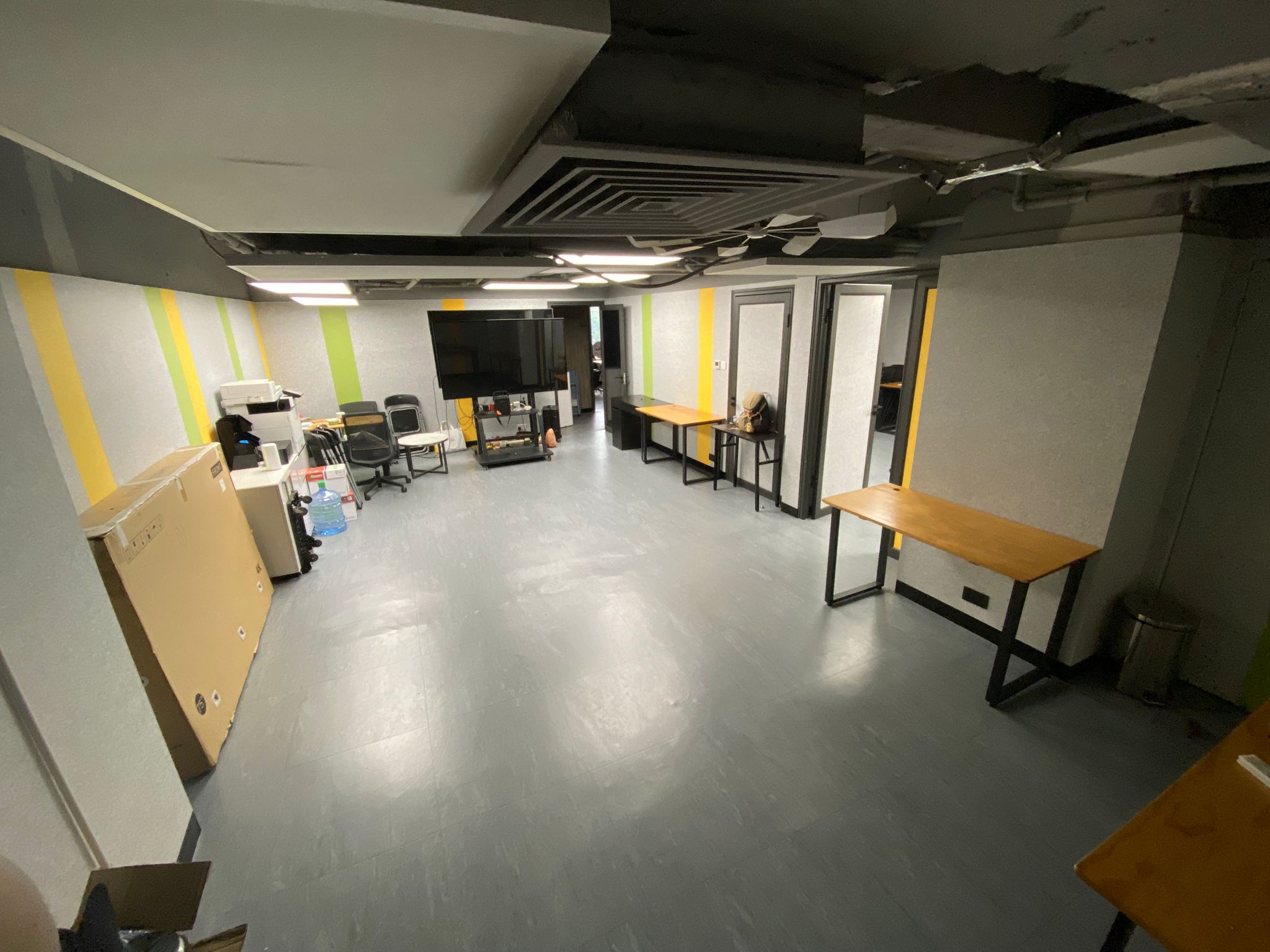
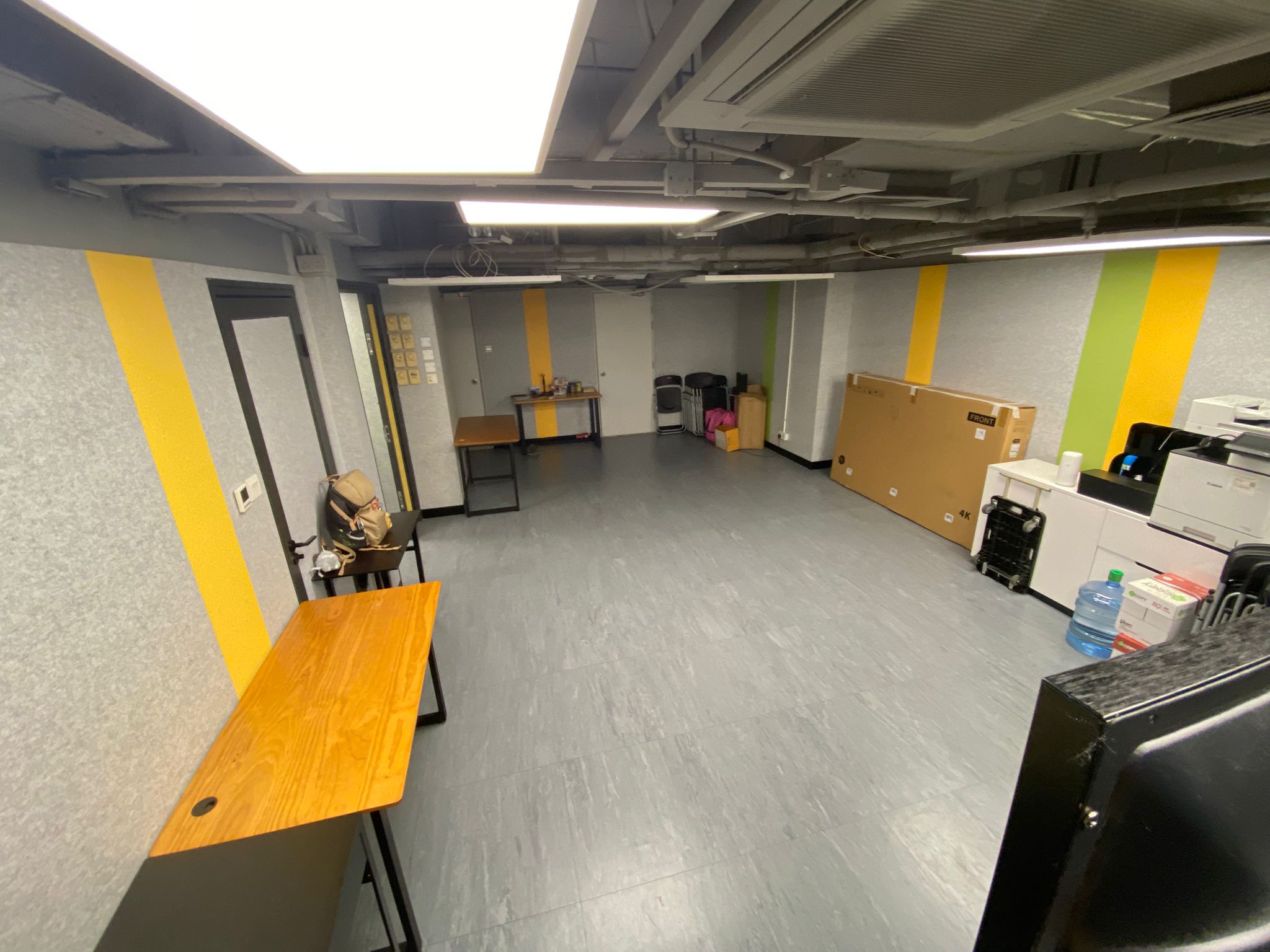
📸 See the room in real use — 30 April 2026 workshop case study →
The hardware that runs your hybrid session 硬件配置
75″ wall TV
HDMI + USB-C inputs, 4K @ 60 Hz. Mounted at presenter end so every in-person seat sees remote attendees at conversation size.
Cordless mic
Full-room pickup, no dropouts. Hand to whichever attendee is speaking, or set on the table for round-table discussions.
200 Mbps fibre
Down/100 Mbps up, dedicated to the room (not shared with other tenants). Tested with 80+ simultaneous Zoom remotes.
6 LED panels
Daylight-balanced, dimmable for the in-person audience while keeping the camera-facing presenter zone bright enough for clean Zoom video.
Soundproofed door
No corridor bleed-through, no MTR rumble. Remote attendees report consistent audio from every seat.
4-port hub on table
Plug in the laptop, the speaker's slides device, the demo device and a backup phone — all without crawling under the table.
Pre-event AV test — free 活動前測試 · 免費
24 hours before your event, we run a 30-minute test on WhatsApp at no charge. We connect the cordless mic, share the wall TV, dial into your Zoom test meeting from the room, and confirm everything works. You watch from your phone. Saves the embarrassment of fumbling at start time.
Compatibility checklist 支援平台
Zoom
Native browser + desktop app. Use the wall TV as the meeting display, the cordless mic as the laptop's audio input. Record locally or to Zoom Cloud. Supports up to 1,000 attendees on Zoom Webinar.
Microsoft Teams
BYO laptop with Teams installed. Same setup as Zoom — TV as display, cordless mic as audio. Works with personal, work and school Teams accounts. Recording handled from your client.
Google Meet
Chrome browser. Wall TV mirrors your laptop screen. Audio routes through the room mic. Compatible with Workspace recording and live-stream-to-YouTube.
Webex
Webex Meetings desktop or web app. Same hardware path. Tested with up to 50 remote attendees.
Tencent Meeting / 騰訊會議
Works on browser or app. Ideal for cross-border training with mainland-China attendees. Audio quality stable on the room's symmetric fibre link.
YouTube Live / Vimeo
Stream straight from your laptop encoder. The 200 Mbps upload comfortably handles 1080p@30 streaming with audio.
What you bring vs. what we provide 設備分工
- Your laptop (with the meeting client installed)
- HDMI or USB-C cable (we have spares if you forget)
- Your meeting link / dial-in
- Your slide deck / demo content
- Your account login (Zoom/Teams/Meet)
- 75-inch wall display (HDMI + USB-C)
- Cordless microphone with full-room pickup
- 200 Mbps fibre Wi-Fi (or wired Ethernet)
- Adjustable LED lighting
- Free pre-event AV test (30 min on WhatsApp)
- Spare HDMI cable, USB-C dongle, dongle for older Mac
More on the venue 了解更多
Book a hybrid session — first AV test on us
HK$700 / 2 hours · 200 Mbps fibre · cordless mic · 75″ wall TV · 30-minute pre-event test free
📅 Check availability 💬 Test the AV first · WhatsApp 💰 Pricing